
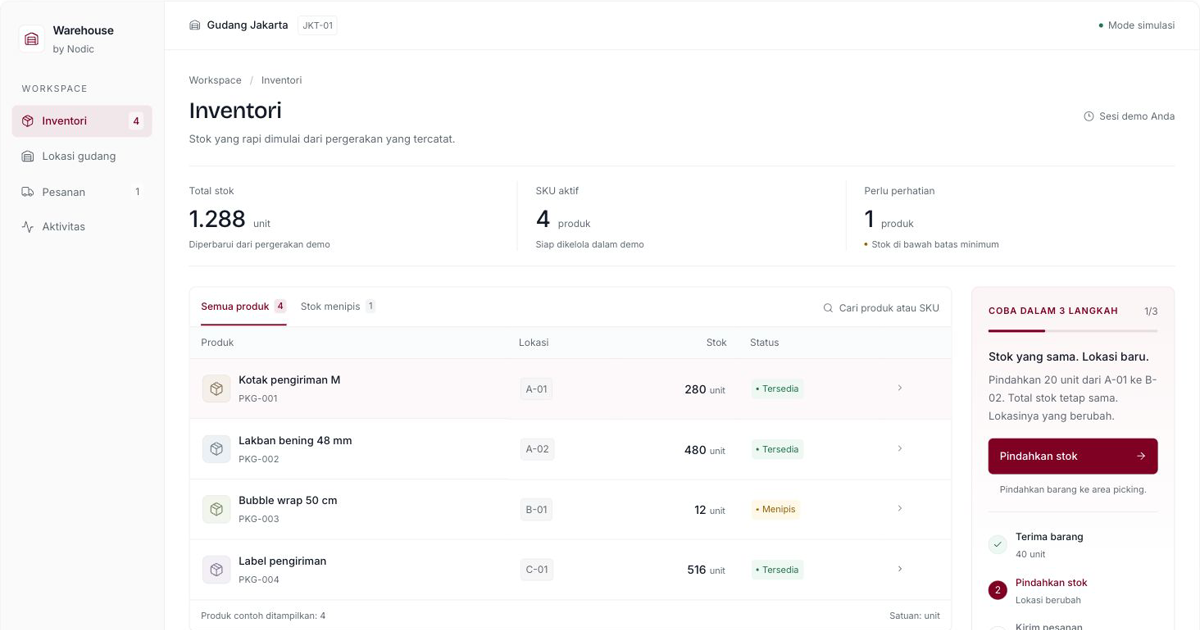
How to Investigate Warehouse Stock Differences
Investigate cut-off timing and rack movements before adjusting inventory. Download a stocktake template and try the WMS demo.
A stock difference means the recorded balance differs from a physical count for the same SKU and location at the same point in time. Adjusting the number does not explain the cause. First confirm the SKU and unit of measure.
Set a transaction cut-off
Agree when transactions stop or how transactions during counting will be separated. Mark incoming goods and picked orders. Record the last document included in the count. An operating warehouse needs a separate movement list so physical and system balances can be compared at a common time.
Recount by SKU and location
A carton and a single item are different units. Keep returned and damaged goods separate from available stock. Recount mismatches with a second operator where possible. Investigate individual racks before combining their balances.
Trace the source documents
- Receipts: goods arrived but the receipt was not posted.
- Shipments: stock was deducted while goods remain in packing.
- Transfers: the source was updated but the destination was not.
- Returns: goods were added before inspection.
- Cancellations: a reversal was missing or duplicated.
A reproducible dummy example
The system shows 240 units of PKG-001 in A-01. The physical count is 238. The difference is 238 − 240 = −2 units. This alone does not prove loss. Check pending shipments and movements first.
If two units are found in B-02 without a movement document, follow the location-correction procedure. If they cannot be found, record the known cause and obtain approval for an adjustment. Do not invent a purchase transaction to hide the mismatch.
Separate correction from prevention
A correction resolves today's balance. Prevention changes the process responsible for the mismatch. Assign transaction owners and posting deadlines. Review repeatedly mismatched SKUs when prioritizing cycle counts.
A WMS supports traceability when procedures and data are correct. It cannot guarantee physical accuracy on its own. Download the stocktake workbook and try receipt and movement workflows. Use the WMS readiness guide before preparing your requirements.